
01
Scan
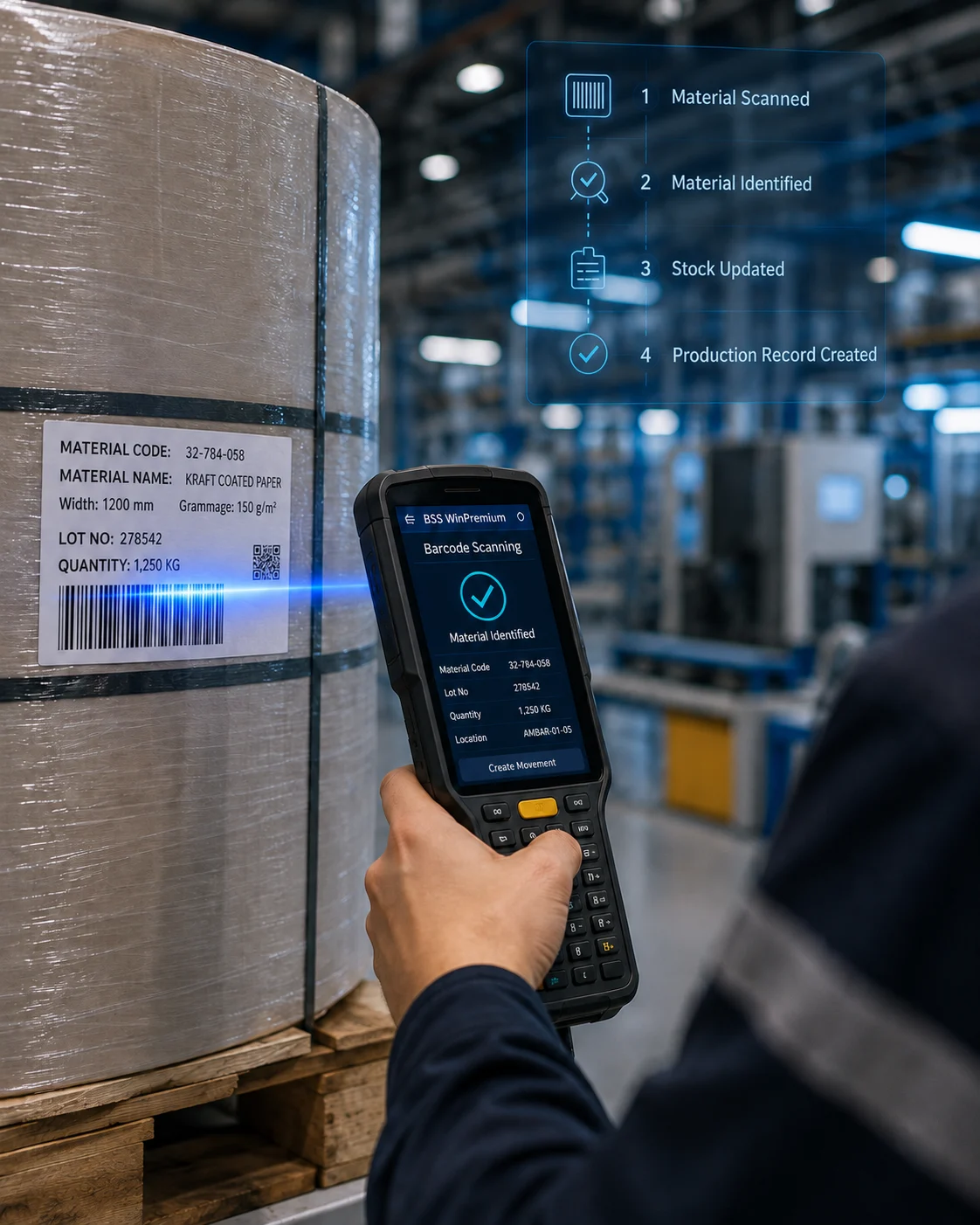
The operator scans a roll, pallet or shipment barcode with a handheld terminal.

PLATFORM · 04 — MOBILE BARCODE SYSTEMS
All consumables, raw materials, auxiliary materials and goods ready for dispatch are barcoded and recorded. Multi-warehouse, hall and rack structures keep material tracking under control. Barcoded stock-count modules and Android handheld terminals automate every count; stock comparisons happen in real time.
FROM SCAN TO RECORD
The operator scans a roll, pallet or shipment barcode with a handheld terminal.
The system identifies the material: code, lot, quantity and location appear instantly.
The movement is written to its work order and lot; stock falls or rises in real time.
The production record is created; stock and status on the management screen change at the same moment.
Source modules: Roll In/Out · Pallet Movements · Barcode Movements · Warehouse Stock. Every movement is tied to its work order and lot.
ON THE FLOOR
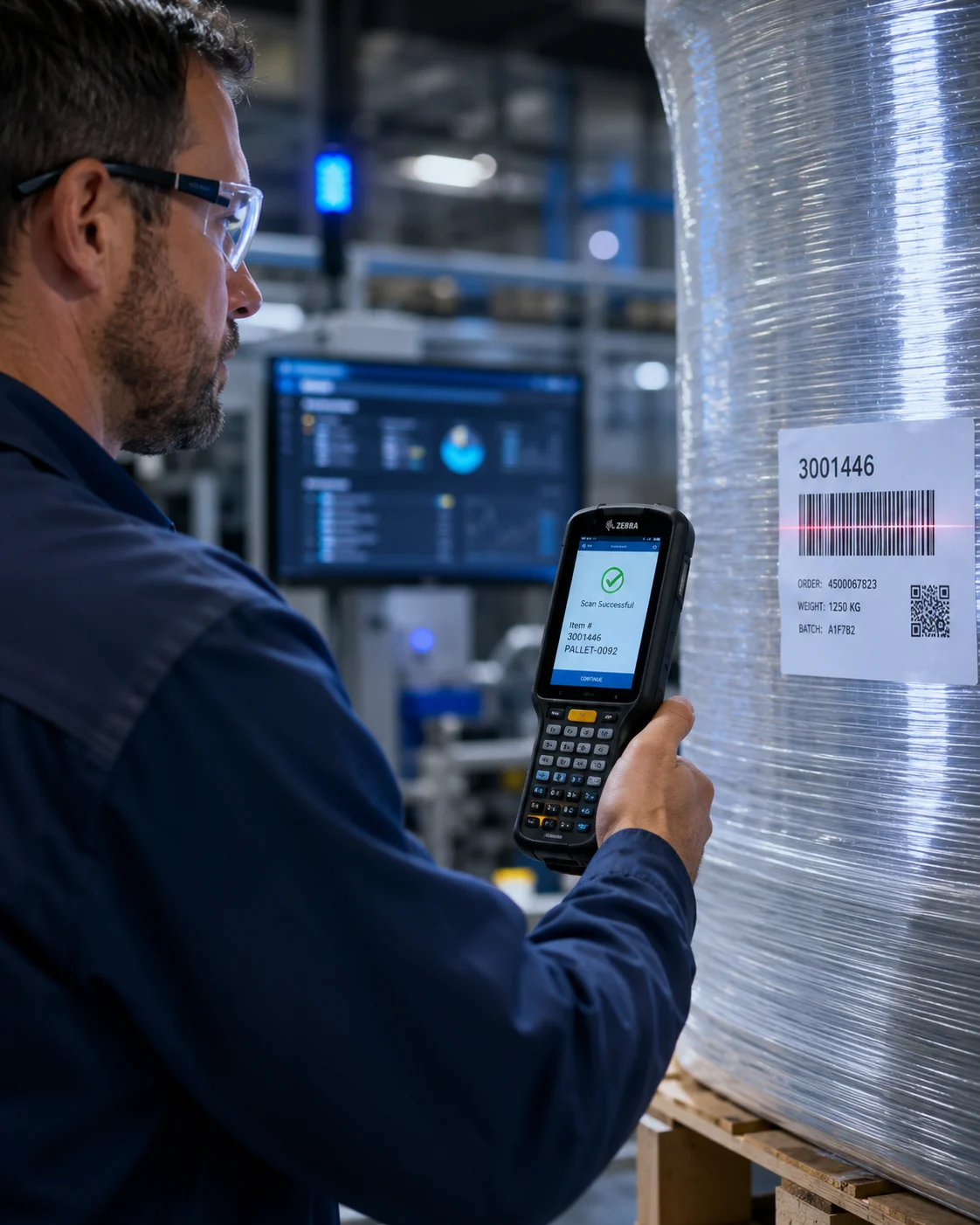
When an operator scans a pallet on the floor the entry is not one-way: stock falls, the dispatch order updates, the production record is created and the number on the executive dashboard changes in the same second.
PLATFORM · 04 — MOBILE BARCODE SYSTEMS
All consumables, raw materials, auxiliary materials and goods ready for dispatch are barcoded and recorded. Multi-warehouse, hall and rack structures keep material tracking under control. Barcoded stock-count modules and Android handheld terminals automate every count; stock comparisons happen in real time.
FROM SCAN TO RECORD
{{ f.desc }}
Source modules: Roll In/Out · Pallet Movements · Barcode Movements · Warehouse Stock. Every movement is tied to its work order and lot.
ON THE FLOOR
When an operator scans a pallet on the floor the entry is not one-way: stock falls, the dispatch order updates, the production record is created and the number on the executive dashboard changes in the same second.